

MarketMee turns the code you ship into narrated product videos, on-brand images and social posts — then publishes them for you
Connect a GitHub repository and MarketMee turns what you ship into posts your customers want to read. It writes the post, designs the image and schedules it to LinkedIn, X, Facebook and Instagram. Switch on Autopilot and it keeps doing it every day while you get on with building.
Your first narrated video and 3 marketing images are free, made from your own product. No credit card.
Last month you shipped new features, fixes and improvements. How many of your customers heard about them?
For most software teams, the honest answer is “almost none.” The work goes into the repository, the changelog gets a line, and the people who would have been delighted never find out. The work was good. Writing about it is just a second job, and nobody hired you to do it.
But telling people what you have built is how products grow. Customers who see steady progress stay longer. Prospects who see a new feature in their feed click through to find out more. Investors notice momentum. The trouble is that every post means stopping work to decide what’s worth saying, write it, make an image, and remember to post it on each network. Most weeks, it simply doesn’t happen.
MarketMee does that second job for you. It already knows what you shipped, because it reads your commits. It knows how you want to sound, because you told it once. And it knows when to post, because you gave it a schedule. That leaves you the part you actually enjoy: building the product.
Switch on Autopilot and your product posts about its own progress — hourly, daily or weekly, on the schedule you choose
Autopilot watches every repository you connect. On the cadence you pick — every hour, every 6 hours, every 12 hours, once a day or once a week — it picks up everything you’ve shipped since its last run. Then it turns that into a finished post: a branded image and a caption with relevant hashtags.
It drops the post into the next open slot on your posting schedule, on every account you chose. No drafts piling up in a folder, and no reminders. You open your timeline and the posts are already there.
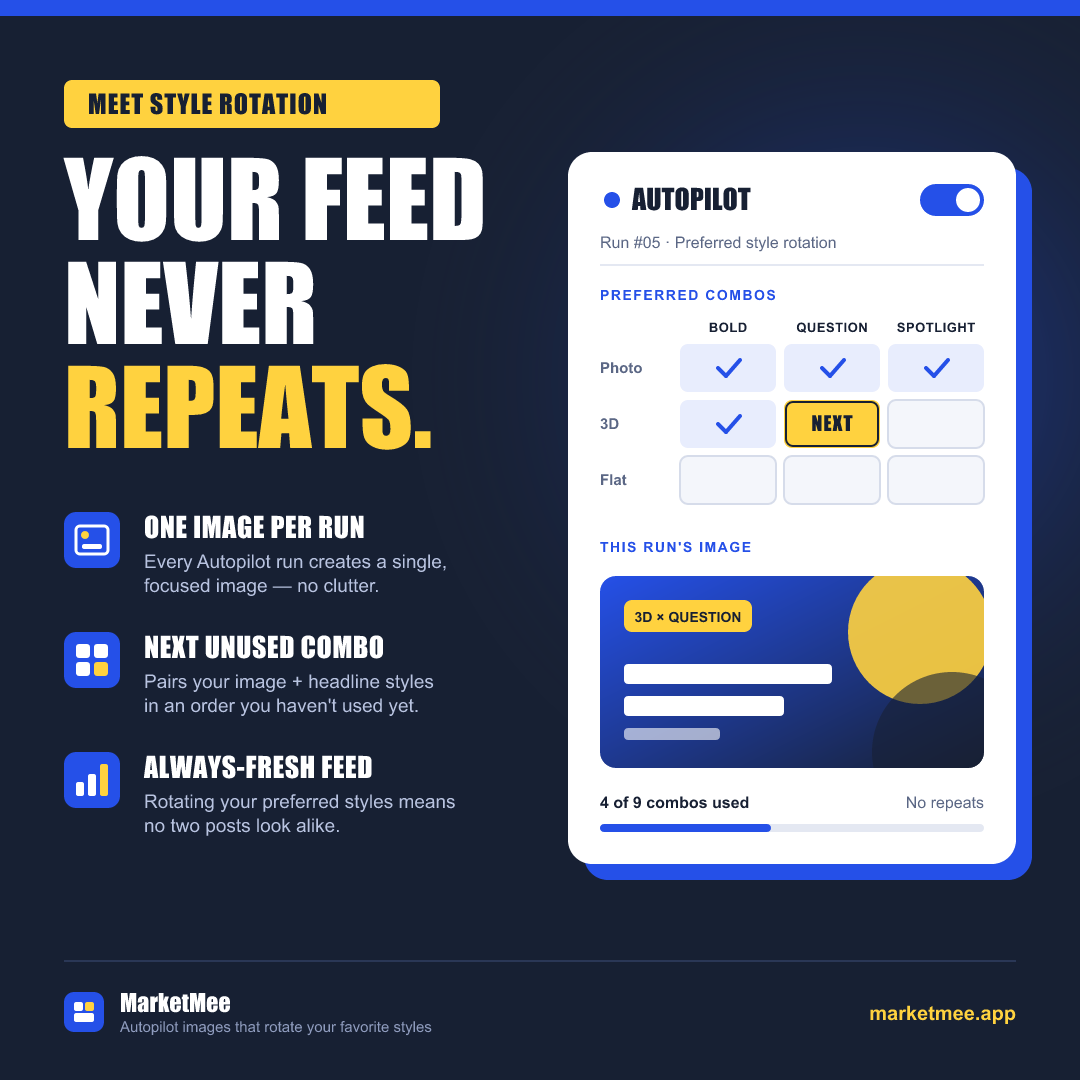
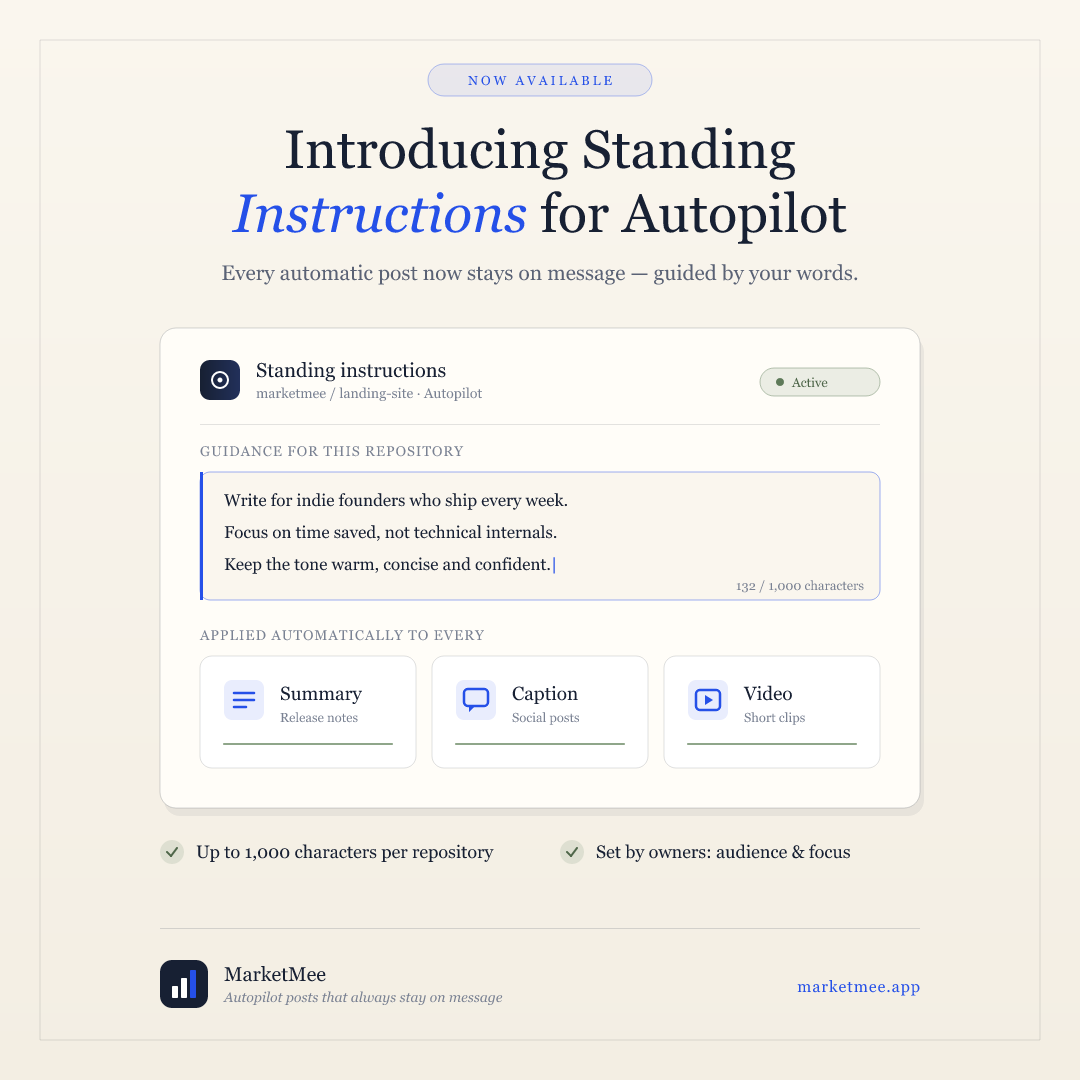
You stay in charge of the message. Give each repository standing instructions of up to 1,000 characters, such as “Focus on the new billing dashboard and write for agency owners,” and Autopilot follows them on every run. Pick your favourite image and headline styles, and it rotates through them so your feed never looks the same twice.
What you control
- Five cadences: hourly, every 6 hours, every 12 hours, daily or weekly
- Standing instructions for each repository, followed on every run
- Rotates through your preferred image and headline styles
- Posts to every account you pick, in your next open schedule slot
- A “Run now” button, and a record of every run with its commits and posts
- Quiet week? It finds an earlier commit worth talking about, so your feed stays active
MarketMee turns cryptic commit messages into announcements your customers actually understand
Commit messages like “fix stuff” and “wip” don’t make good posts. MarketMee works out what you really shipped and explains it in plain English, the way you would to a customer.
Every analysis gives you a plain-English summary and a changelog that labels each change as a feature, fix, improvement, refactor or docs update. Then MarketMee writes posts about the changes your customers will care about, leading with what’s in it for them.
The moment you connect a repository, MarketMee analyses your last 50 commits, so you have something to post about on day one. After that, every push is picked up automatically.
- wip
- fix stuff
- feat: autopilot instructions
What MarketMee wrote
Standing instructions for Autopilot
Tell Autopilot who you’re writing for once, and every post after that follows your lead. Your audience, your focus, your voice, on every run.
The details
- Connect several GitHub accounts, including organisation repositories
- Your last 50 commits analysed the moment you connect
- Every new push picked up automatically
- Pick specific commits from any branch by hand whenever you like
- A plain-English summary and a labelled changelog for every analysis
Prefer to approve every word? Get up to five versions of each post and publish only the one you like
Not every team wants a fully automatic feed. On the review page, MarketMee writes up to five different versions of a post about the same changes, each with its own images, and shows them to you side by side.
Edit any version by hand, or ask the AI to rewrite it in the direction you give it. Keep up to four images for each post. Ask for changes to any image in plain English, and delete the ones you don’t want.
When it reads right, pick your accounts and publish. You can also choose a date and time, or add it to your queue and MarketMee will post it in your next open slot. You see the token cost before you generate anything, so there are no surprises.
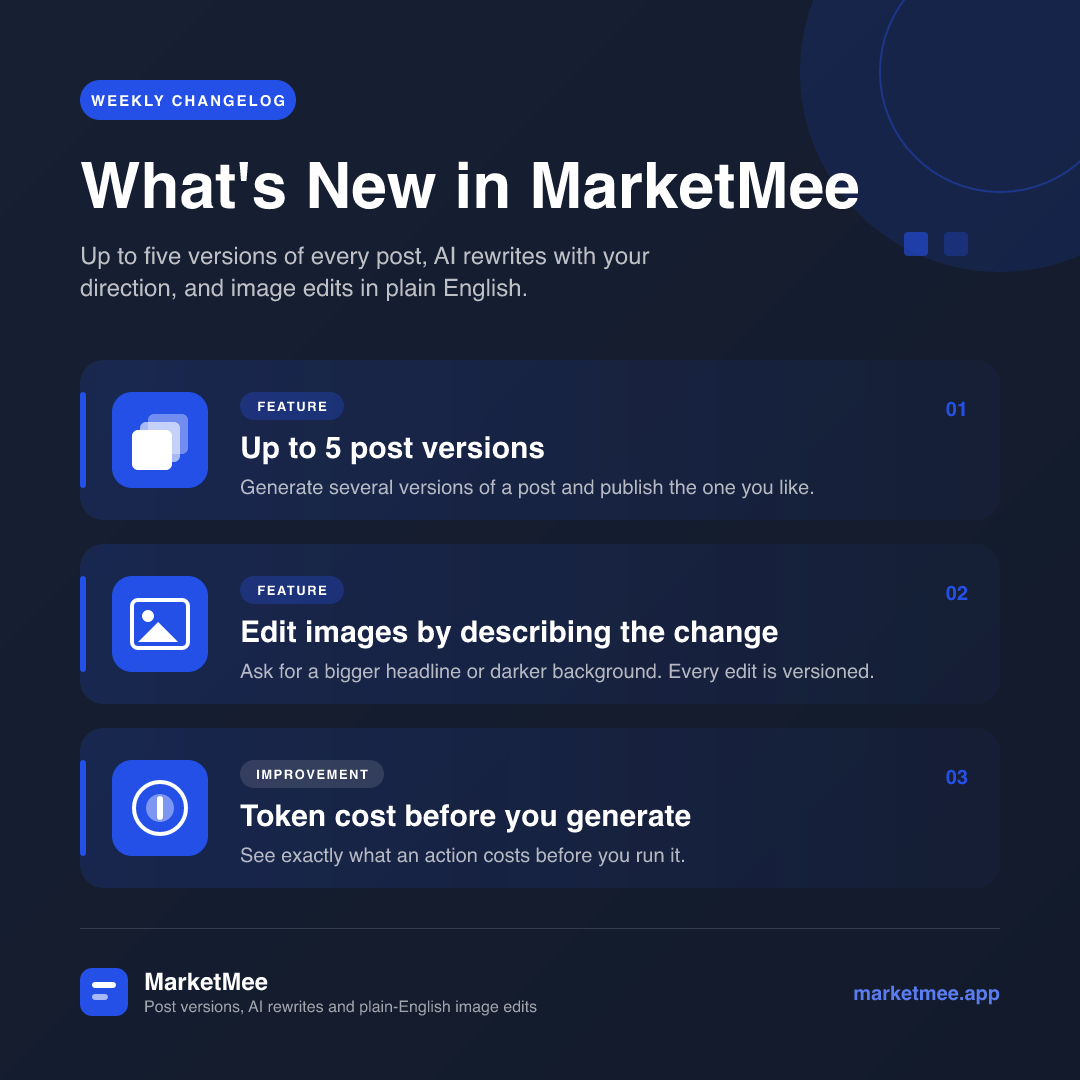
The details
- One to five versions of every post
- One to eight images made for each version
- Rewrite with AI, or edit by hand
- Publish now, choose a date and time, or add to your queue
- Token cost shown before you generate
On-brand marketing images in seven design styles, made for the change you just shipped
MarketMee designs square images in your brand colours, with a headline written for the change you shipped. Choose from seven styles: Elegant, Streamlined, Bold, Minimal, Modern and Gradient, plus UI Preview, which shows a clean mock-up of a product screen.
Pair any style with one of four headline styles: Announcement (“Introducing…”), Feature Spotlight (“Meet our new…”), Changelog Recap (“What’s new in v2.0”) or Tech Update (“Under the hood:”).
Want something different? Describe the change in plain English, such as “make the headline bigger” or “use a darker background,” and MarketMee edits the image and keeps every version. Every image arrives finished and on-brand, with its text checked word for word before it reaches you.
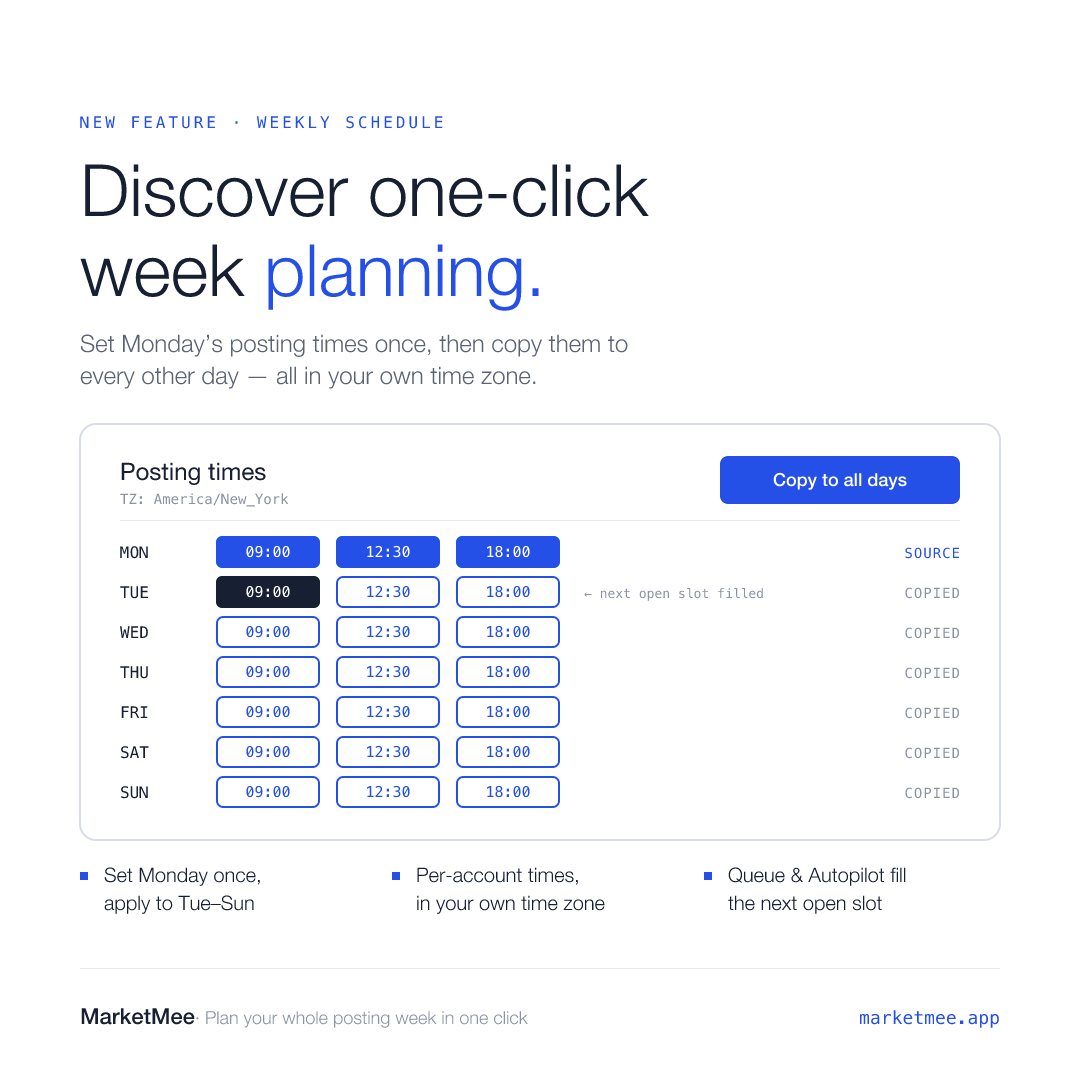
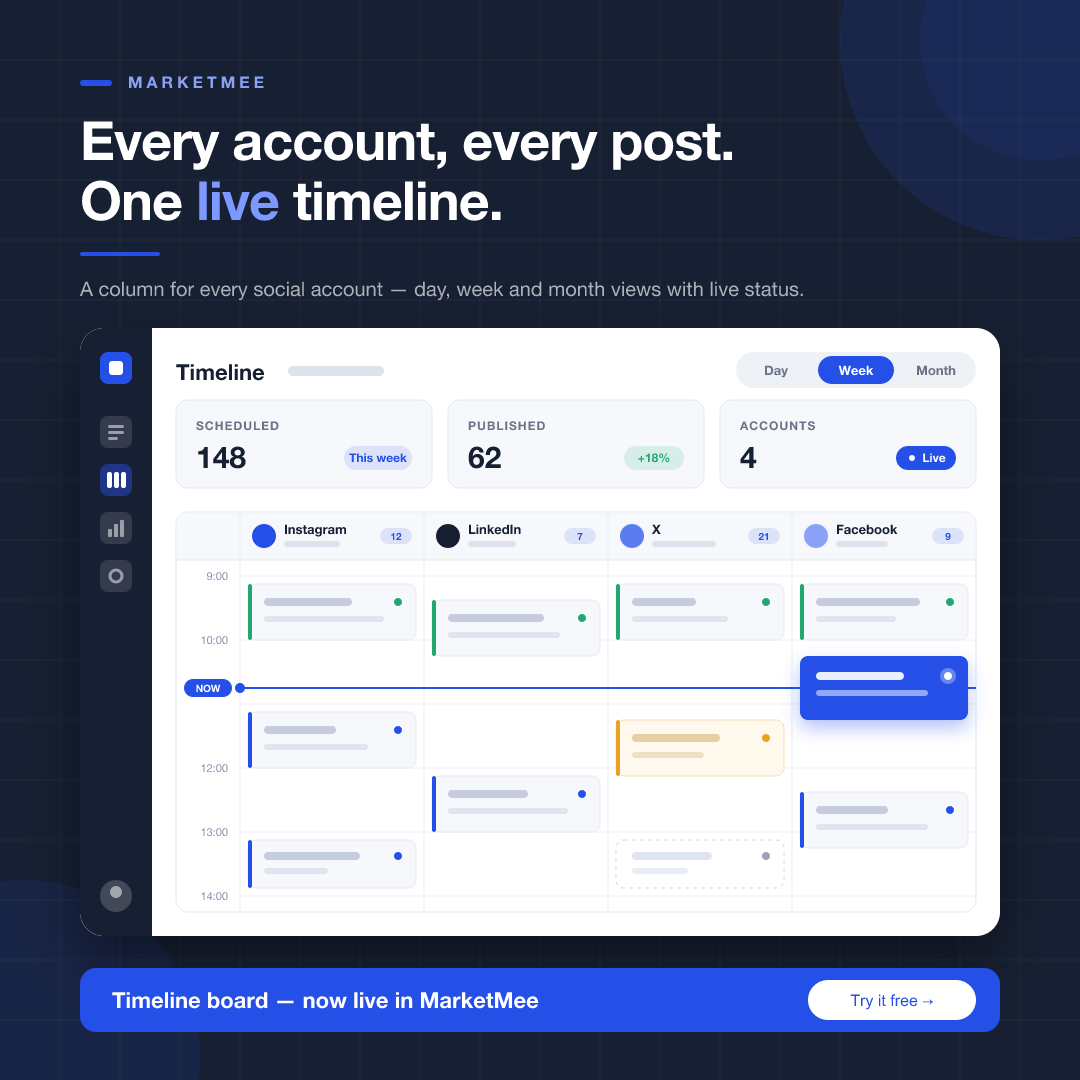
Every image on this page was made by MarketMee from its own commits, untouched.
The details
- 7 design styles and 4 headline styles
- Up to 6 brand colours, set once or separately for each repository
- Square images, ready for every network
- Edit any image by describing the change
- Every edit saved as a new version
- One library for every image you have made, grouped by date
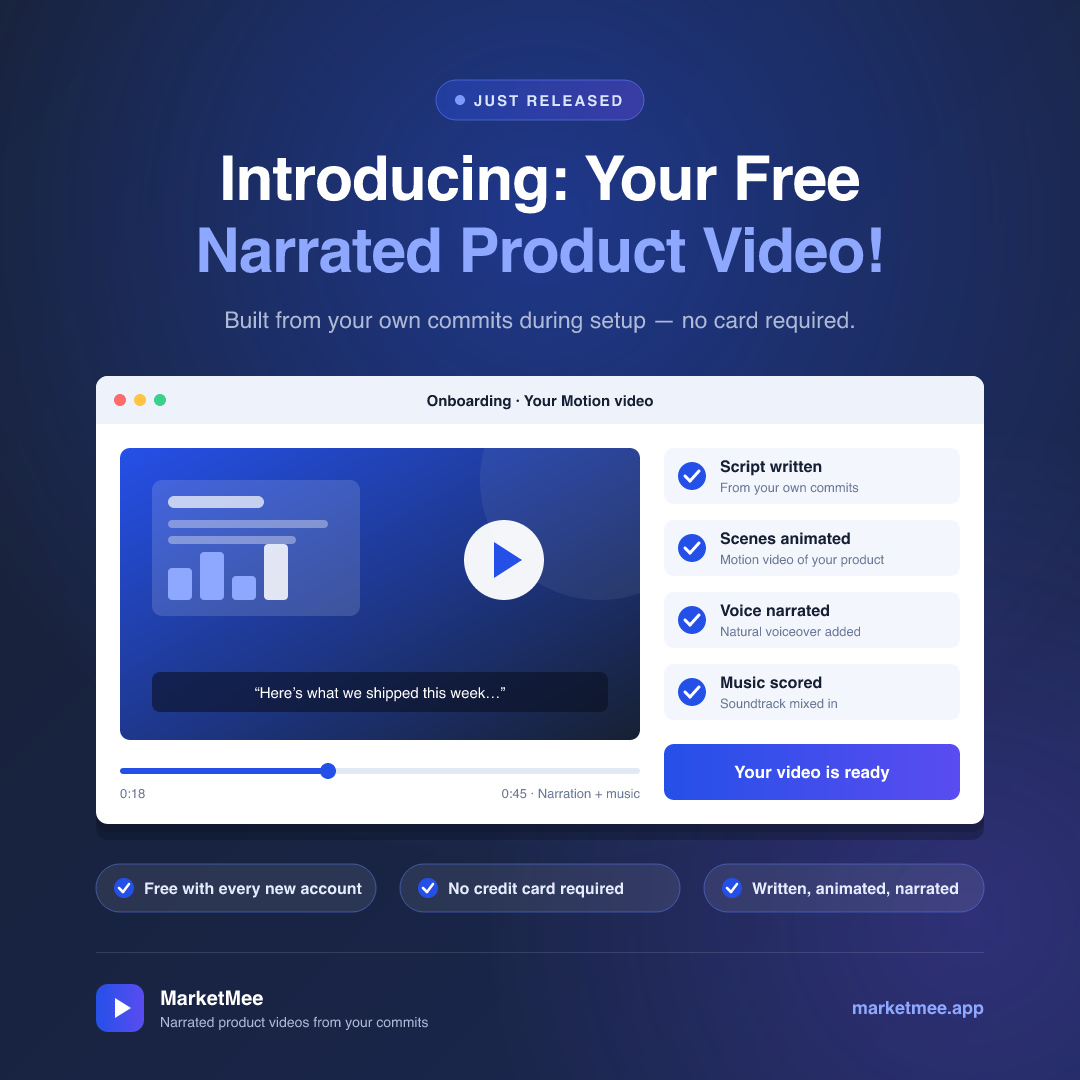
Narrated product videos with music, in horizontal, square and vertical formats, usually rendered in 1 to 3 minutes
Tell MarketMee what the video is about, or let it draft the brief from your code. You can pick a repository, a branch and the commits you want, or just describe the feature and let MarketMee find the changes that matter.
MarketMee then writes, animates and narrates the whole video. Motion mode creates one smooth, continuous animation in 3 to 5 narrated parts. Classic mode builds the video scene by scene, with animations, transitions, charts, icons, images and sound effects, and you can edit each scene on its own.
Every video can have a natural-sounding AI voiceover that flows like a real narrator. Add background music in the mood you choose: corporate, energetic, calm, dramatic, playful, or one you describe in your own words.
Change anything you like. Edit on-screen text, narration and colours directly, free of charge, or ask the AI for bigger changes to one scene or the whole video. Every change is saved in version history, so you can compare versions and restore any of them with one click. When you are done, download the MP4, or turn it into a post with an AI-written caption.
Every video here was made by MarketMee, about MarketMee.
The details
- 16:9 for YouTube and LinkedIn, 1:1 for feeds, 9:16 for Reels, Shorts and Stories
- AI voiceover, plus background music in 5 moods or one you describe
- Live preview in your browser before you render
- Direct edits are free; AI edits handle the bigger changes
- Full version history with one-click restore
- Download as MP4, or post straight to your accounts
Plan a whole week of posts on one screen, across every account, and watch each one go live in real time
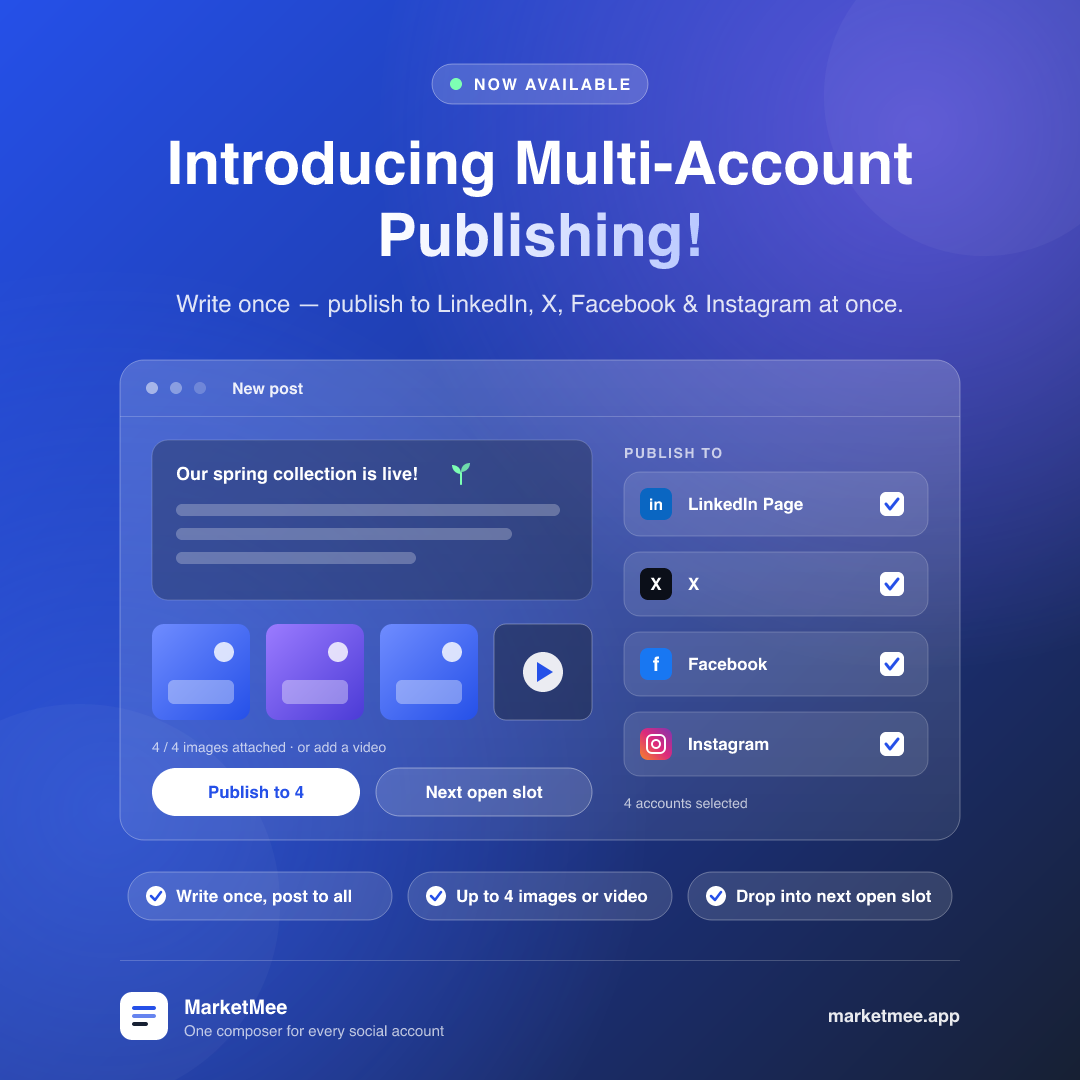
Connect LinkedIn (including your company page), X, Facebook and Instagram. Write a post once and attach up to four images or a video. Choose any combination of accounts, then publish now or pick a date and time.
Set your posting schedule once: the days and times each account should post, in your own time zone. Copy Monday’s times to the rest of the week in one click. From then on, everything you add to the queue, and everything Autopilot makes, lands in the next open slot.
The timeline gives every account its own column, by day, week or month. Open any post to change its words or media before it goes out. Each post shows its status on every account as it happens: scheduled, publishing, published or failed. A failed post can be retried with one click.
The details
- LinkedIn company pages, X, Facebook and Instagram. TikTok, YouTube, Threads and Pinterest are being added.
- Up to 4 images or 1 video per post. Upload your own MP4, MOV or WebM files up to 100 MB.
- Weekly posting times for each account, in your time zone
- Day, week and month views of everything scheduled
- Live status for every post on every account
- One-click retry for failed posts, and a reminder when an account needs reconnecting
From sign-up to your first published post in four steps
Most people finish setup in one sitting. You only do it once.
- 1
Tell MarketMee about your company
Enter your company name, what you do and your website, then pick the image and headline styles you like. Add up to six brand colours in Settings, and everything MarketMee makes will match.
- 2
Connect GitHub
Choose the repositories you want to talk about. MarketMee analyses your last 50 commits straight away and picks up every push from then on. No repository handy? Describe a feature in your own words instead.
- 3
Get your free sample
MarketMee makes a narrated video and three marketing images of your product, free, without asking for a card. Judge the quality for yourself before you pay anything.
- 4
Connect your accounts and switch on Autopilot
Link your social accounts, set the days and times you want to post, and turn on Autopilot. Or review each post yourself. Either way, your audience starts hearing about your work.
Made for people who would rather be building than posting
Founders and solo developers
You are the engineer, the support team and the marketing department. MarketMee takes the marketing off your plate. Your work turns into posts while you keep shipping, and your feed shows customers and investors steady progress.
Software teams and product leads
Your team ships every week, but the announcements lag months behind. Connect your repositories and give each product its own standing instructions. Every launch then gets the attention it deserves, in your brand colours and your voice.
Agencies and studios
Market the products you build for clients. Separate brand colours and instructions for each repository mean every client’s posts look and sound like their own company, not yours.
What people ask before they sign up
Get a free narrated video of your own product, made from your own code
Sign up and connect a repository, and MarketMee will make you a narrated video and three marketing images, free. If you like what you see, choose a plan and switch on Autopilot.
Make my free videoNo credit card. Plans start at $19 a month, with every feature included.